AI Form Builder Capture Anywhere Track Results

Create forms with our AI form builder, customize layouts using drag-and-drop, track submissions through a centralized dashboard, and capture data anywhere with our Mobile Data Collection App.

Generate Forms Instantly

AI builder

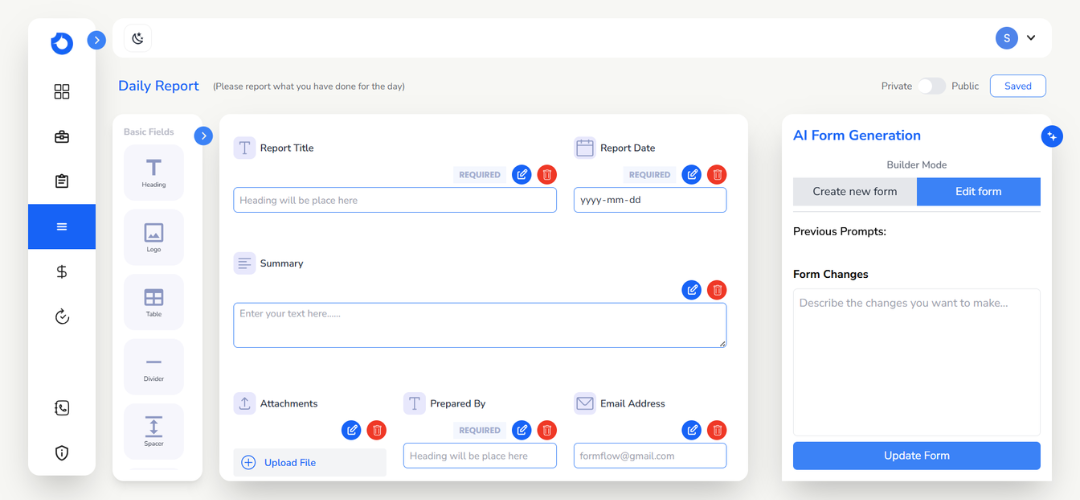
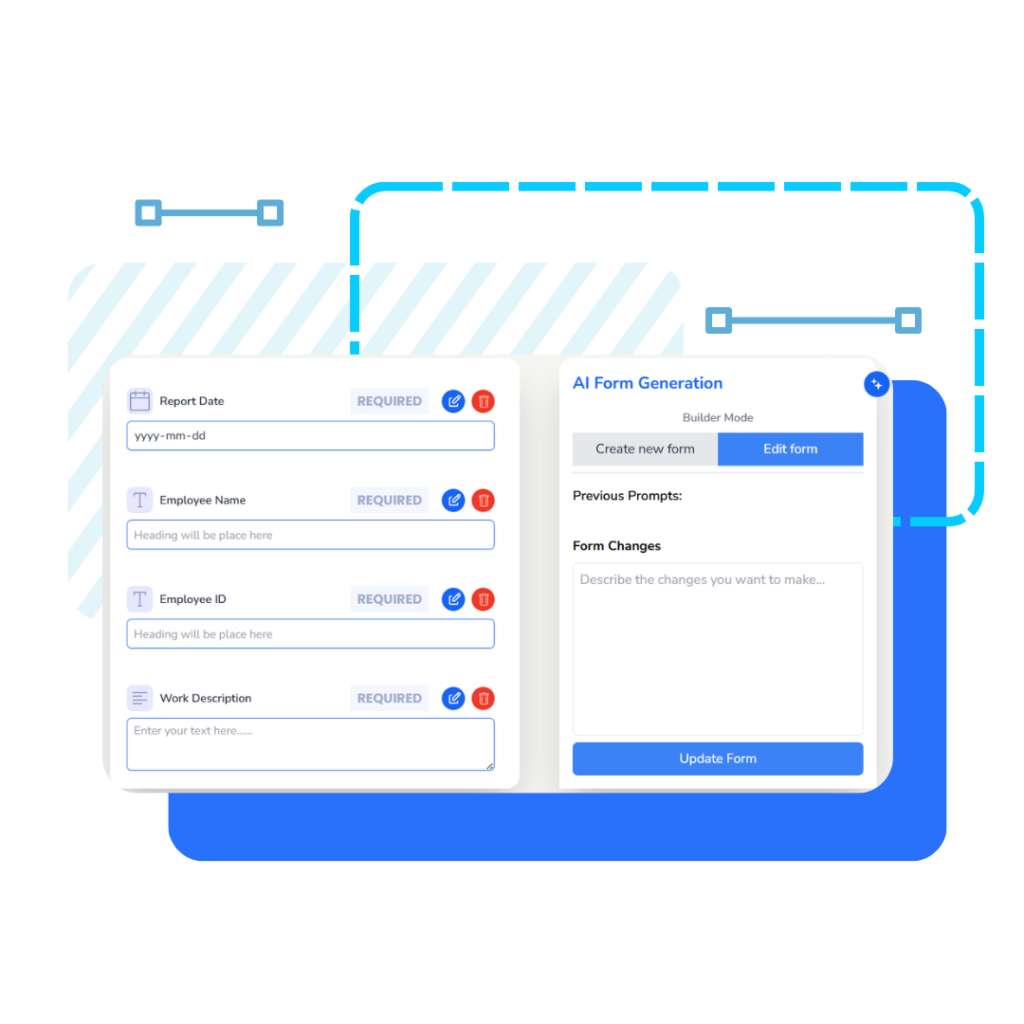
Create forms in seconds by simply describing your requirements and letting the AI form builder generate fully customized forms tailored to your business needs.

iSmartWorks interface design showing an AI form generation tool. Left: Form fields for date, employee name, ID, and description. Right: Options to create or edit forms, with a space for form changes.
Dotted Line
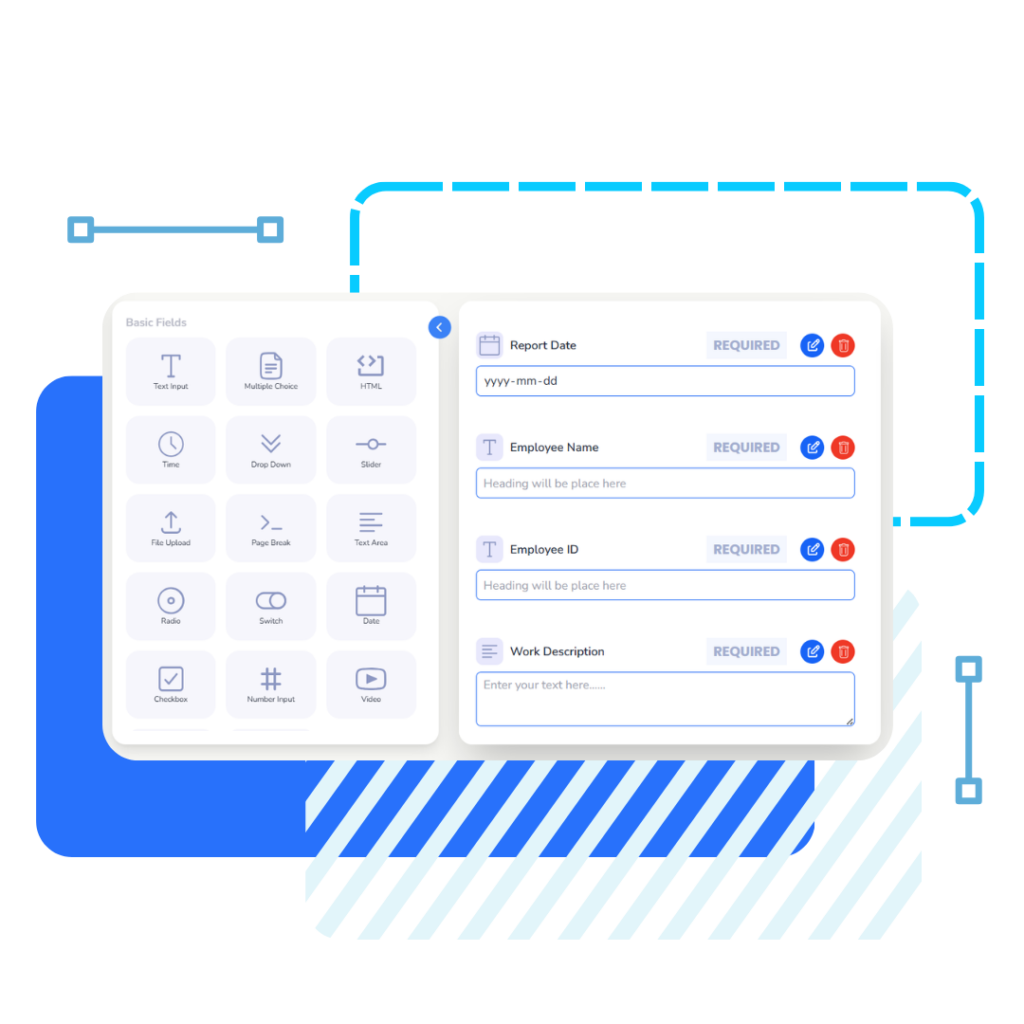
iSmartWorks digital form interface on a dark background features fields like Report Date, Employee Name, and Work Description.

Design Forms Your Way

Drag-and-drop Builder

Fine-tune every detail using the drag-and-drop editor to arrange fields, customize layouts, and build powerful forms with a No Code Form Builder – no technical skills required. 

Dotted Line

Track every Submission

Centralized Dashboard

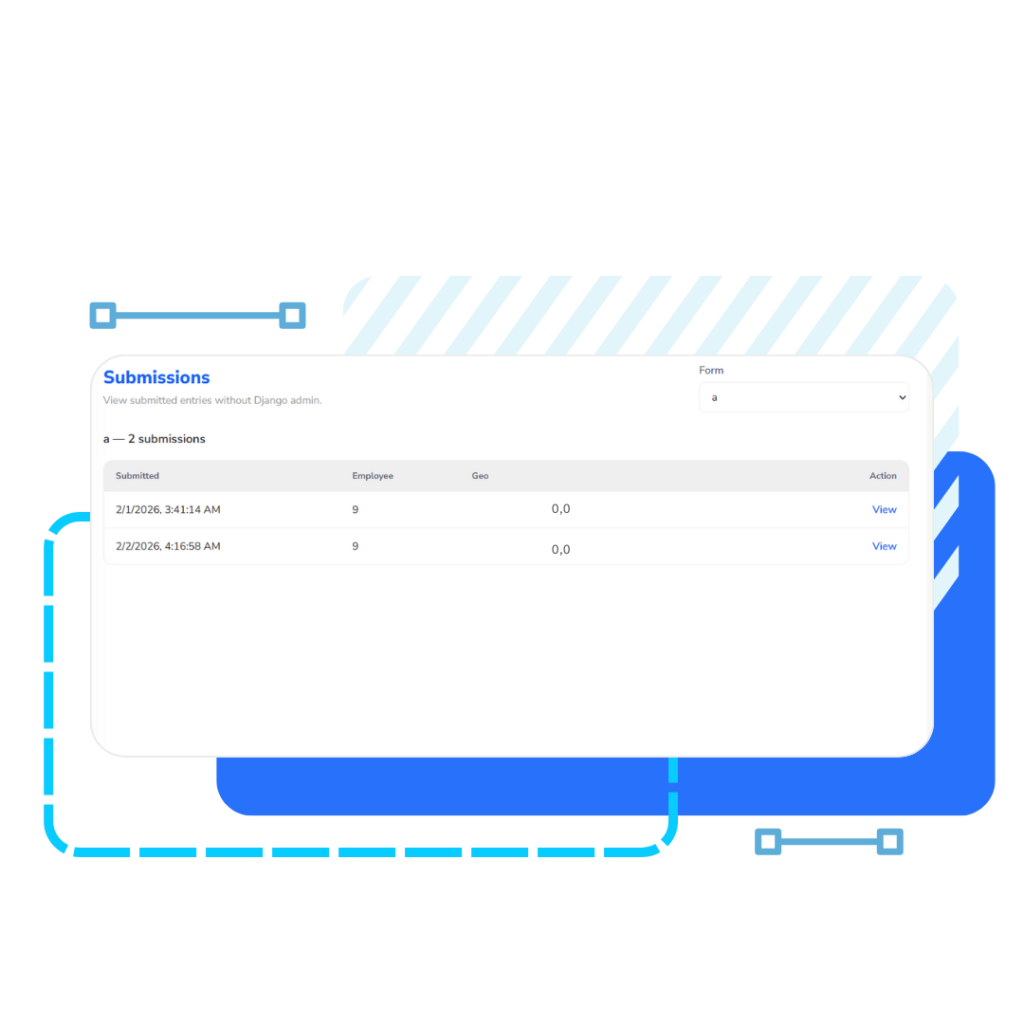
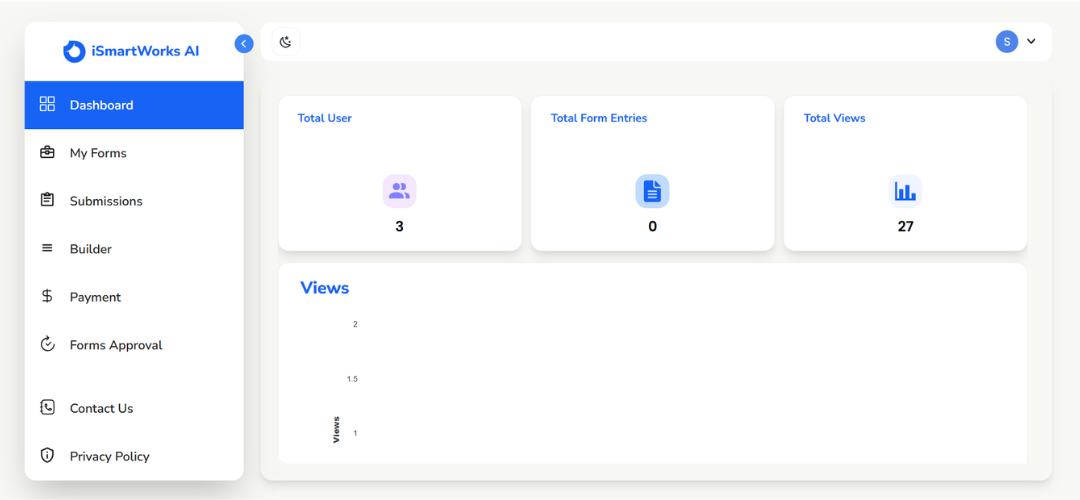
Monitor responses from a single dashboard using our AI Reporting Software. See who submitted forms, track locations, and ensure tasks are completed on time with real-time visibility.

iSmartWorks interface showing a form submissions table with dates, employee numbers and geo data. Blue and white geometric shapes decorate the background.
Dotted Line
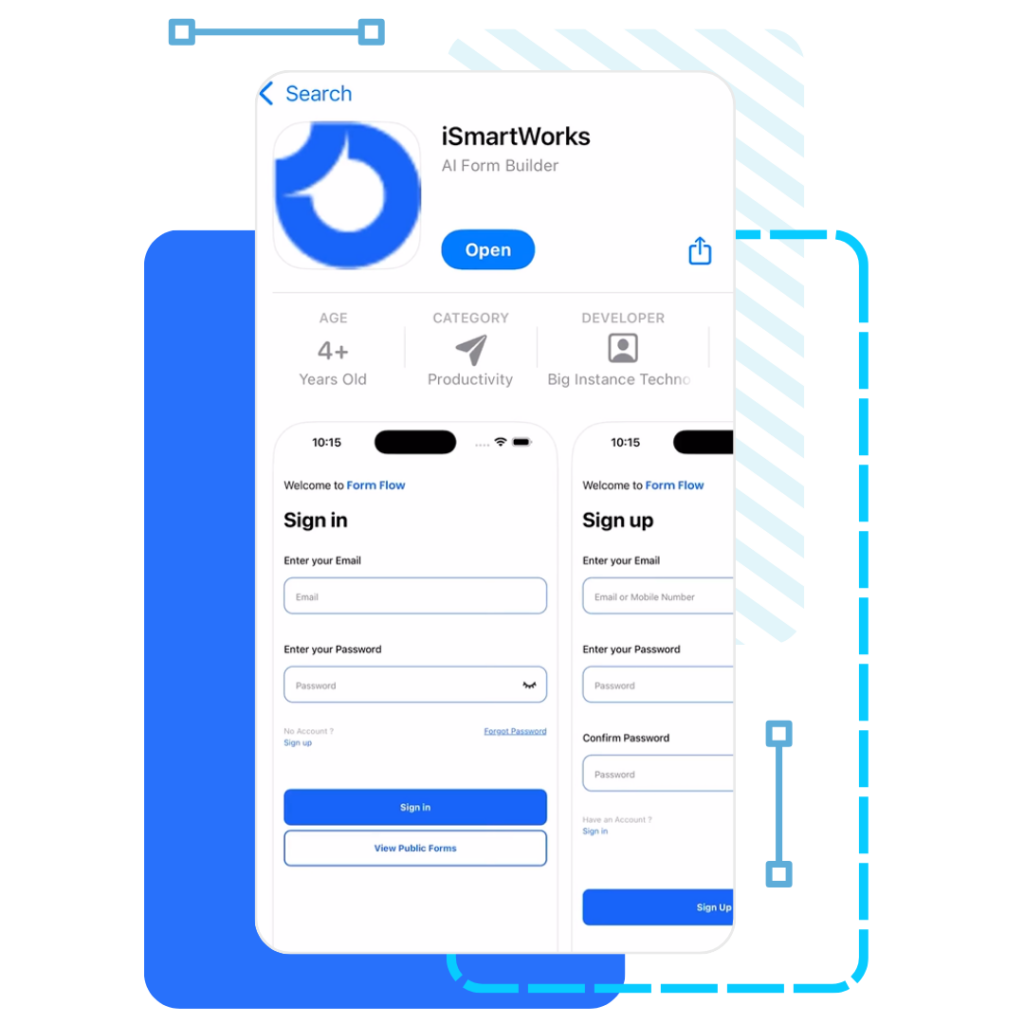
Mobile app interface for AI form builder

Collect Data Anywhere

Mobile app

Submit forms on the go with our Mobile Data Collection App, optimized for both iOS and Android. Capture photos, videos, GPS locations and other field data directly from your smartphone for accurate reporting, while push notifications keep you informed and on track. 

What people have to say

Easy To Use

“User-friendly web app that is straightforward, intuitive and very useful, especially as a No Code Form Builder for everyday business needs.”

Mobile-Friendly

“Excellent mobile experience with offline capability and diverse data capture options make it highly usable in field scenarios, especially when using a Mobile Data Collection App.”

Saves Time

“The AI built in to create forms is nice and easy to use—our AI form builder saves a lot of time.” 

Frequently Asked Question

1. What is an AI Form Builder?

An AI Form Builder uses artificial intelligence to create digital forms based on a simple prompt or business requirement. iSmartWorks allows businesses to quickly create, customize, and manage forms without coding, making it easier to digitize inspections, surveys, audits, maintenance, and other business processes.

2. What is a No-Code Form Builder?

A No-Code Form Builder allows users to create and customize digital forms without programming knowledge. With iSmartWorks, businesses can build forms using a simple drag-and-drop approach and use them for data collection, inspections, approvals, surveys, audits, and everyday operational workflows.

3. Can iSmartWorks be used for mobile data collection?

Yes. iSmartWorks supports mobile data collection, allowing field employees and teams to collect information directly from their mobile devices. Users can capture form responses along with details such as photos, videos, GPS locations, and other required field information.

4. How can iSmartWorks help with field inspections?

iSmartWorks helps businesses replace paper-based inspections with digital inspection workflows. Teams can create customized inspection forms, collect information from the field, track submissions, and manage inspection data from a centralized platform. It can support safety, quality, maintenance, site, and operational inspections.

5. Can iSmartWorks help businesses create reports from collected data?

Yes. iSmartWorks helps businesses centralize submitted form data and turn it into useful reports and insights. Managers can monitor submissions, review collected information, analyze operational data, and improve decision-making without relying on manual spreadsheets or paper-based reporting.

Scroll to Top